Trading 212 globally
in client assets
Trustpilot
TrustScore 4.6
94,188 reviews
lifetime funded accounts
Buy stocks instantly
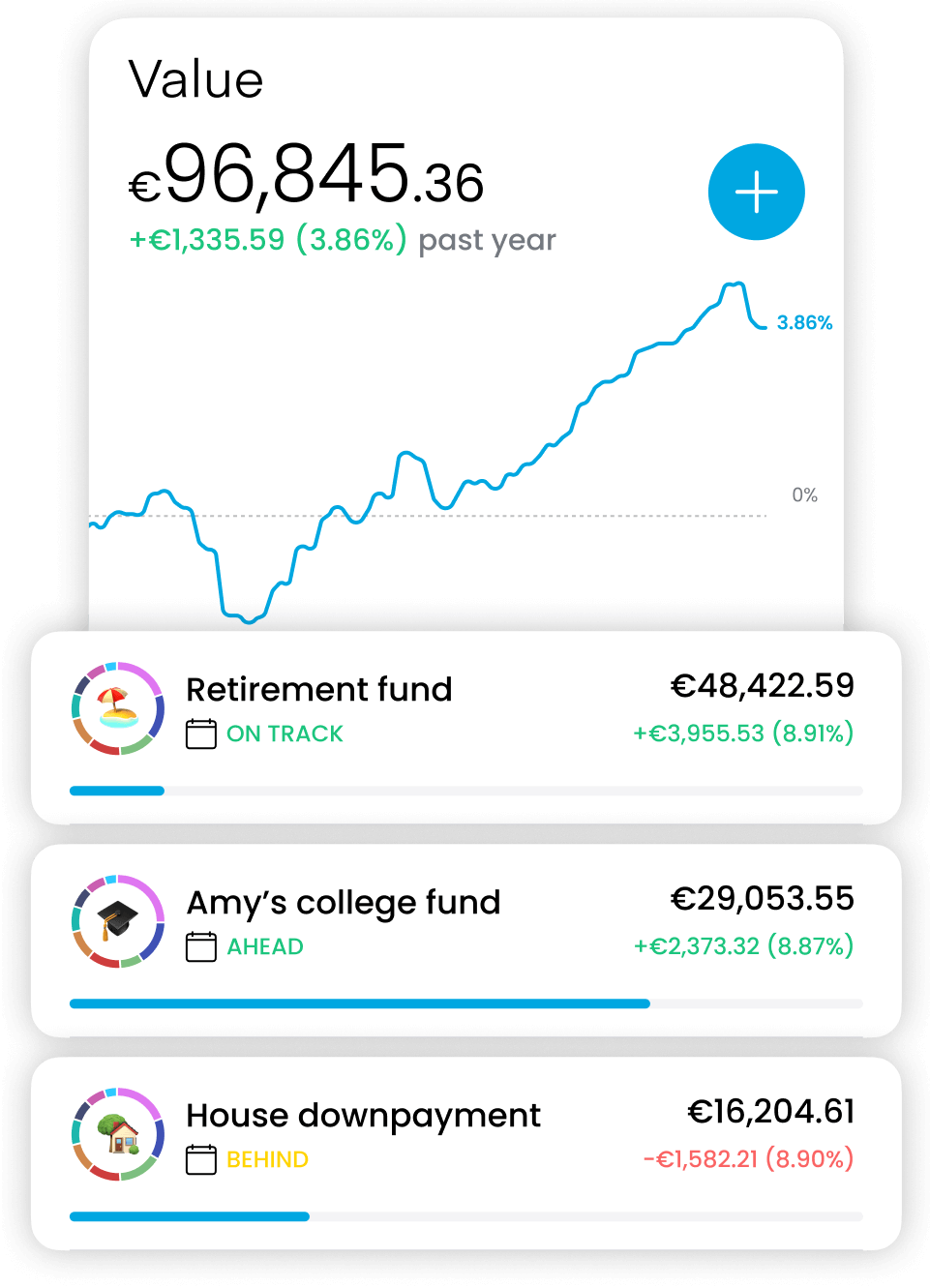
Building wealth is a habit.
Automate it with a Pie.
Invest in ready-made pies, or build your own selecting from thousands of stocks and ETFs
Own even the most expensive stocks like Google, Amazon and Apple
Earn daily interest on your portfolio
Boost your investment returns with Trading 212’s share lending

Your earnings
Last month
£5.28
All-time
£76.23
Interest rate
4%
Daily interest
£0.23
Lent shares
Amazon
£1,034.23
AMZN
1.231323 shares
GameStop
£424.73
GME
23.341234 shares
Canon
£20.73
CAJ
235.341234 shares
The world's first and only
24/5 trading
with fractional shares
1 investing account.
12 global currencies.
Avoid FX fees. Deposit and invest across multiple currencies.
Transfer your portfolio from and to other brokers
Automatic, paperless, free


Euronext
Paris

NYSE,
NASDAQ

Xetra,
Gettex

Euronext Amsterdam

Bolsa
de Madrid

Wiener
Börse

London Stock Exchange

Euronext Lisbon
Euronext
Paris
NYSE,
NASDAQ
Xetra,
Gettex
Euronext Amsterdam
Bolsa
de Madrid
Wiener
Börse
London Stock Exchange
Euronext Lisbon
Invest tax-free in a
Stocks and Shares ISA
Our uncompromising investing experience also available as a Stocks and Shares ISA

24/7 support
29 seconds average response time
Start building wealth now
Join over 5 million clients
Get the mobile app

All stats are global. The clients figure refers to lifetime funded accounts.
Excellent
Rated 4.6 / 5 based on 94,188 reviews on
Trustpilot
Rated 4.6 / 5 based on 94,188 reviews on
Trustpilot
Invited
Best % for £
Very easy to use. Best saving account.
Invited
It’s made investing pretty easy..
It’s made investing pretty easy in fairness. It’s not made me a bunch of cash, but I can’t blame Trading 212 for that 😄 I chose risk, I won some, I lost some and I’m currently about Even Stevens, which's probably isn’t bad for my first few months trading while taking risks. It’s been a learning curve. You can take it sensibly and likely make small percentage profits, or you can be more of a gambler. I’m a risk taker, but I definitely need to be careful it doesn’t just become gambling. The app is good in that it warns you when you’re talking risks. And it’s trustworthy. I always feel completely trusting that my money is safe in terms of Trading 212 doing their bit well. I can’t ask for more than that 😊
Invited
Great to watch your investment grow…
Great to watch your investment grow each day fab app
Invited
The app is so user friendly and the…
The app is so user friendly and the interface is amazing 👏
Invited
Best platform for new traders
Very easy to use. User friendly, best platform for new traders.
Invited
Money transfer from Tading212 is Instantly
I have had no issues with them. I get regular updates on my interest I have 24x7 access to my money
Invited
Easy to use
Easy to use. Incredibly understandable even for beginners for trading
Invited
I like seeing daily interest
I like seeing daily interest. Much happiness very dopamine.
Invited
Super easy to set up
Super easy to set up. The app shows your interest clearly. Definitely recommend
Invited
User friendly app…
Really easy to set up and daily notifications so you can see how the interest is growing on your investment.
Invited
great way to save my money
i live the idea of the daily interest it make me want to save more
Invited
Very easy App to use
Very easy App to use. Good interest rate on cash ISA. It was simple signing up, and even easier to move funds into the new account. So far - so good! Very intuitive software. Excellent service all round, and my one query was answered quickly & efficiently! A 4.76% initial interest rate is excellent!!!
Invited
Excellent and informative
Excellent and informative. Gives you an update daily on your interest. Very unlike my Bank did and I get a brilliant interest rate. I was told Trading 212 was excellent and I was not disappointed.
Invited
User friendly such a good platform to…
User friendly such a good platform to invest
Invited
All good
All good. I have not encountered any downsides so far.
Invited
Financial discipline
I am able to cultivate a culture of discipline with trading 212
Invited
Easy of use and clarity of information.
Easy of use and clarity of information.
Invited
Easy to use app with very clear costs
Easy to use app with very clear costs
Invited
Easy to set up a pie
Easy to set up a pie! Im new at this but still managed to do it.
Invited
Amazing and practical app
Amazing and practical app - way better in functionality and customer support than other trading apps in Germany!
Showing some of our positive client reviews
Our awards