Trading 212 globally
in client assets
Trustpilot
TrustScore 4.6
94,546 reviews
lifetime funded accounts
Buy stocks instantly
Building wealth is a habit.
Automate it with a Pie.
Invest in ready-made pies, or build your own selecting from thousands of stocks and ETFs
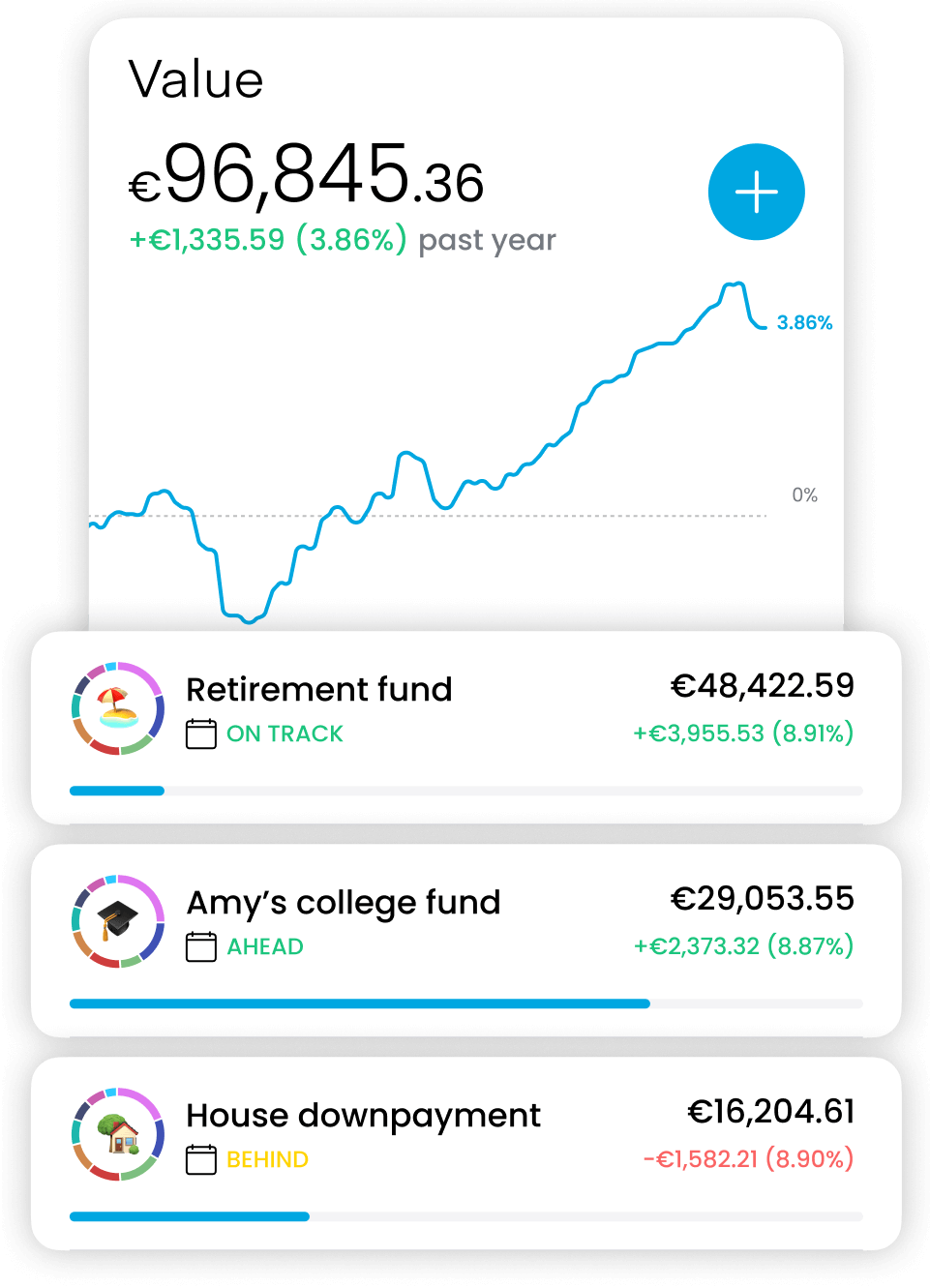
Own even the most expensive stocks like Google, Amazon and Apple
Earn daily interest on your portfolio
Boost your investment returns with Trading 212’s share lending
Your earnings
Last month
£5.28
All-time
£76.23
Interest rate
4%
Daily interest
£0.23
Lent shares
Amazon
£1,034.23
AMZN
1.231323 shares
GameStop
£424.73
GME
23.341234 shares
Canon
£20.73
CAJ
235.341234 shares
The world's first and only
24/5 trading
with fractional shares
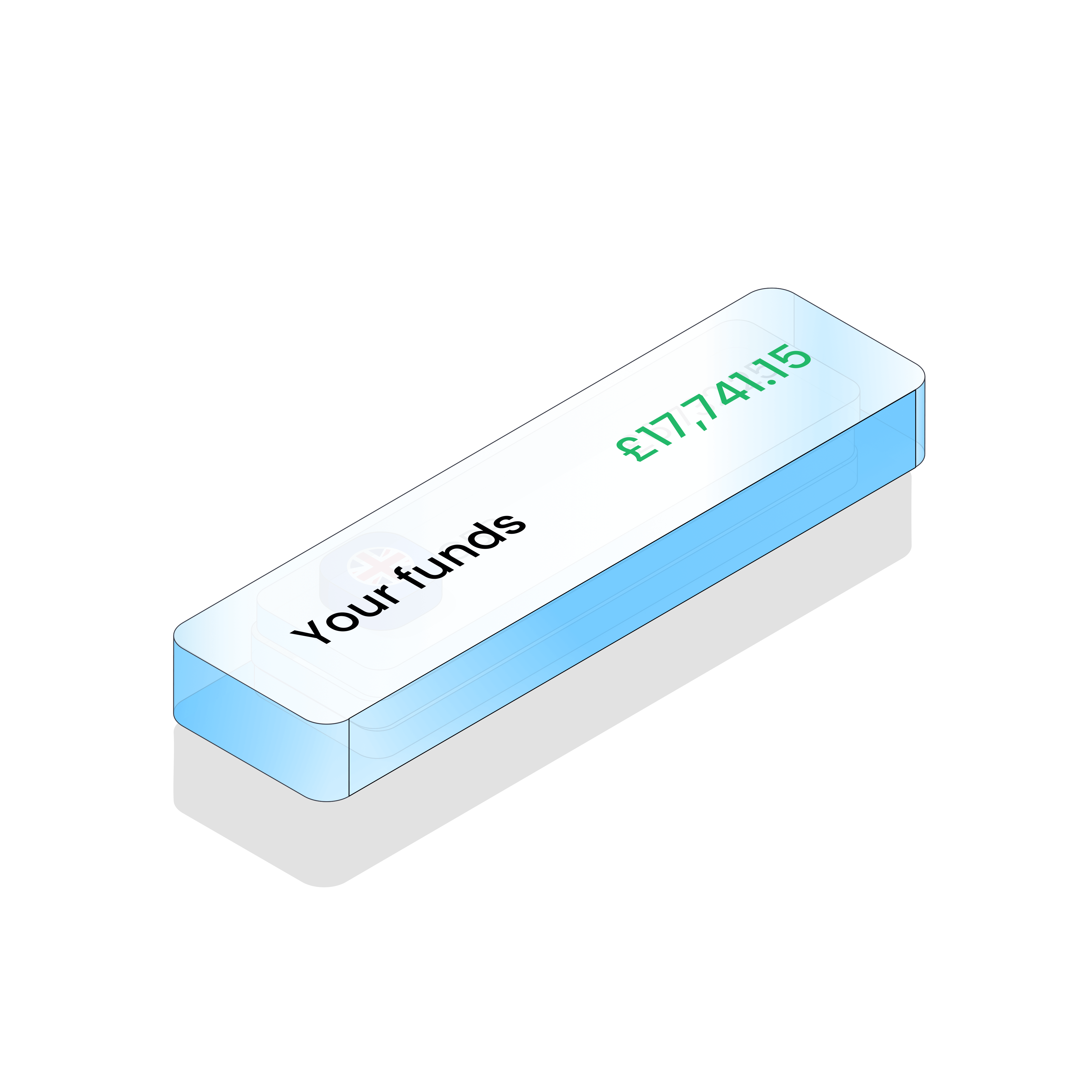
1 investing account.
12 global currencies.
Avoid FX fees. Deposit and invest across multiple currencies.
Transfer your portfolio from and to other brokers
Automatic, paperless, free


Euronext
Paris

NYSE,
NASDAQ

Xetra,
Gettex

Euronext Amsterdam

Bolsa
de Madrid

Wiener
Börse

London Stock Exchange

Euronext Lisbon
Euronext
Paris
NYSE,
NASDAQ
Xetra,
Gettex
Euronext Amsterdam
Bolsa
de Madrid
Wiener
Börse
London Stock Exchange
Euronext Lisbon
Invest tax-free in a
Stocks and Shares ISA
Our uncompromising investing experience also available as a Stocks and Shares ISA

24/7 support
29 seconds average response time
Start building wealth now
Join over 5 million clients
Get the mobile app

All stats are global. The clients figure refers to lifetime funded accounts.
Excellent
Rated 4.6 / 5 based on 94,546 reviews on
Trustpilot
Rated 4.6 / 5 based on 94,546 reviews on
Trustpilot
Invited
Great app
Great app, great brand. Easy and user friendly. Low to non existent commissions
Invited
Excellent app make's it so easy to…
Excellent app make's it so easy to monitor my investments.
Invited
It's a great app
It's a great app Easy to use
Invited
Stress free savings
Simple, effective and stress free savings. Really useable app making it easy to track your savings progress. Couldn’t recommend highly enough
Invited
Easy to invest
Easy to invest, and set up recurring payments and auto investments. App is very user friendly.
Invited
Easy to navigate app for new investors
Easy to navigate app for new investors
Invited
Efficient and secure service
On recent transaction T212 Team were fast and efficient with due regard to security.
Invited
The best app to start trading
This app gives you good guidance as well as a feed. The feed can be really helpful when trying to chose what you want to invest in as it’s current real time info. It also has a section for practicing trading. Possibly one of the best things an app like this could do. If u want to start trading I would definitely recommend this app. Perfect for begnners
Invited
Best of 4 brokers I use
Low costs, easy to use, Pie possibility is great, interest on your balance.
Invited
Tried a few other trading apps over…
Tried a few other trading apps over last 3 years. 212 seems the best and offers optimum range of stocks, etfs etc
Invited
Great App
The app is really easy to use and makes deposits and withdrawals extremely quickly, it is also very secure, I really like this app
Invited
Nothing but positive experience
Easy to set up, use and understand, great customer service!
Invited
Easy to use.
Easy of use. No delays if withdrawals required
Invited
Great app to use
Great app to use. The interface is so beginner friendly
Invited
Ka-Ching !
A brilliant investment platform, paying competitive interest rates in savings.
Invited
Free trading
Free trading, cashback, lots of investing options, friendly app look.
Invited
Easy to use and competitive fees
So easy to use and competitive fees. I moved from ii to here for that reason alone
Invited
Easy to invest and easy to track…
Easy to invest and easy to track interest via the app with a great interest rate too.
Invited
Great platform
I love this trading platform and it’s features, I have had a great experience with them so far.
Invited
Great to watch your investment grow…
Great to watch your investment grow each day fab app
Showing some of our positive client reviews
Our awards